Google and AI Assisted Help
AI agents, like Claude or ChatGPT, are becoming increasingly better at giving good advice on Updates2MQTT, helped by the documentation being setup to be accessible to them, including an llms.txt summary.
They can diagnose issues from logs, suggest how to configure Home Assistant or a container the way you want, and write or rewrite the config.yaml, docker-compose.yaml or container labels.
In all the examples below there is no special setup, no skills or other context - they are given a simple prompt as might be the case for a new user.
Google Example
Searching in Google for “how to get updates2mqtt to update home assistant every hour” should turn up advice on changing the scan_interval, as explained in the FAQs.
Not all searches in Google result in AI advice, and you might have this switched off, however you should still get pointed directly at the right page in the on-line Updates2MQTT help.
Claude Example
Claude can work through a docker logs updates2mqtt output to diagnose MQTT connection or Docker access problems, and suggest config fixes.
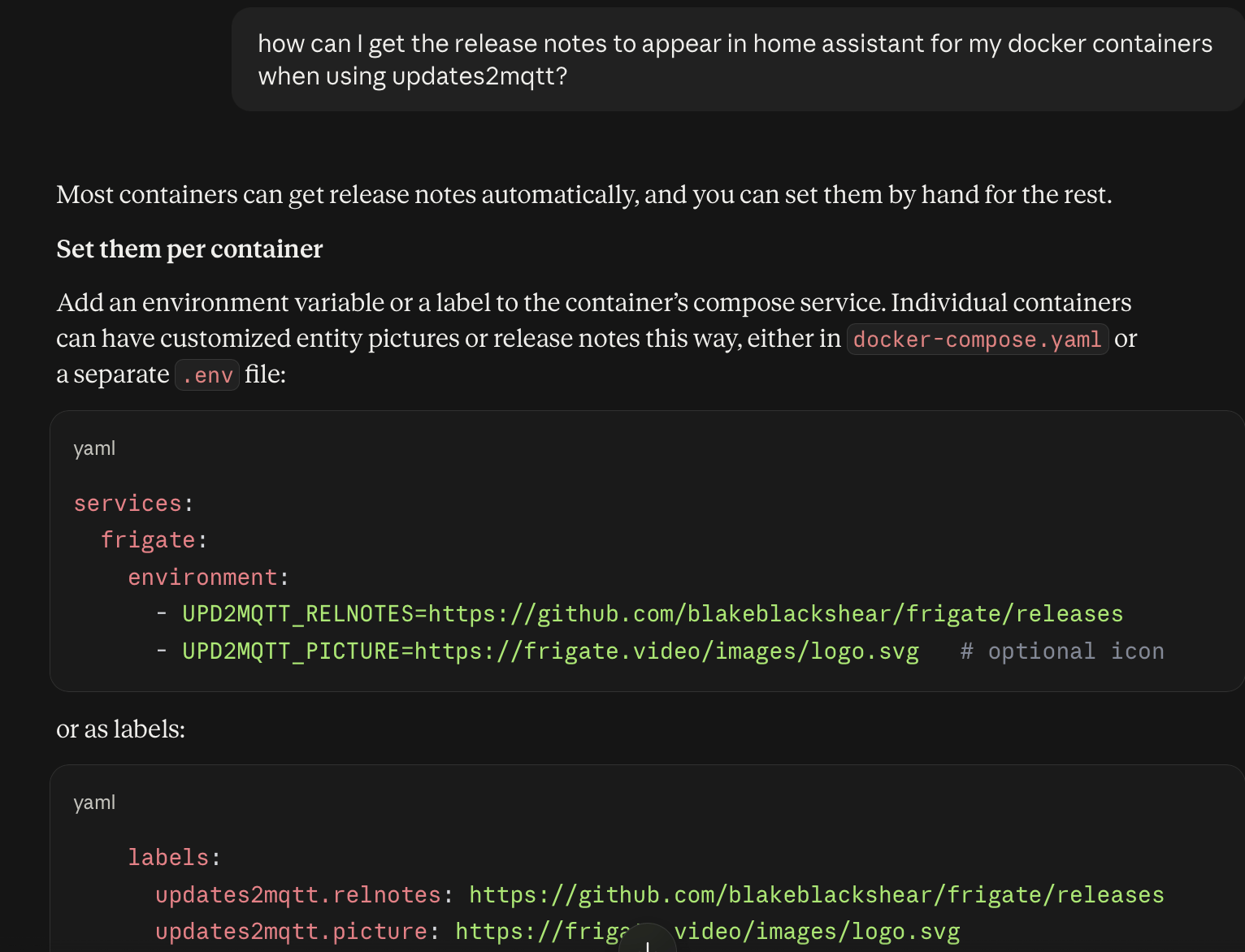
ChatGPT Example
ChatGPT can suggest workable docker-compose.yaml snippets for running Updates2MQTT, including the volume mappings needed for compose directories.
Kimi Example
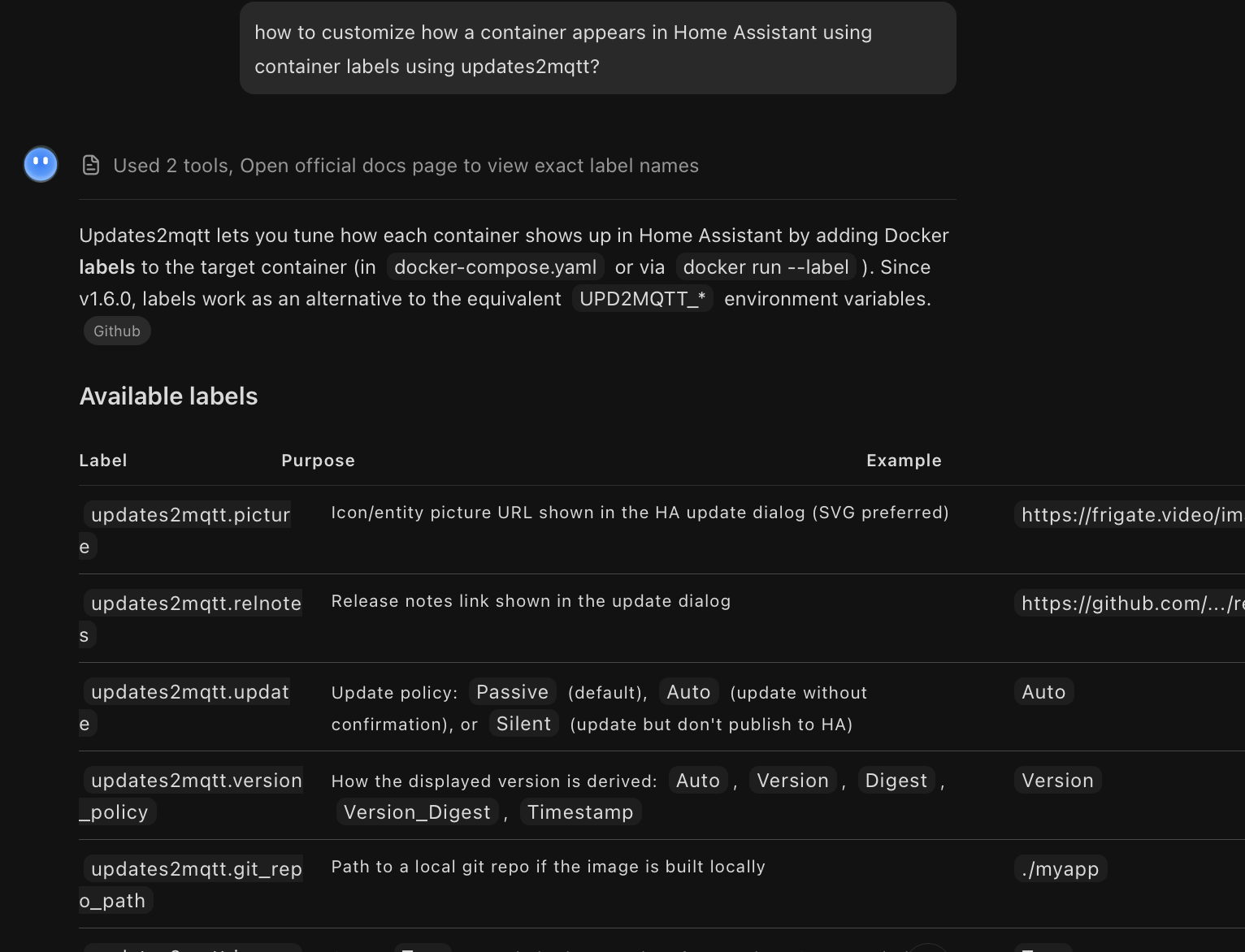
A free Kimi agent can explain how to customize how a container appears in Home Assistant using container labels.
Advanced Agent Usage
If you have a desktop or coding agent, such as Claude Code, then running it on the Docker host where Updates2MQTT runs lets it read logs, inspect containers and run the Docker CLI tools directly.
u2m-cli mqtt=checkwill show the settings in use and test the broker connection, see Checking MQTT and Update Settings- Caution is due where passwords, API keys and other secrets in
config.yaml,.envor compose files could be exposed to the agent.